Once a batch query has been submitted, the user can navigate to Manage Batch Queries allows privileged LInX users to manage a batch query as well as view the total results, total queries, status and other information.
Users may also delete, edit, view results for, or re-run (re-queue) a batch query.
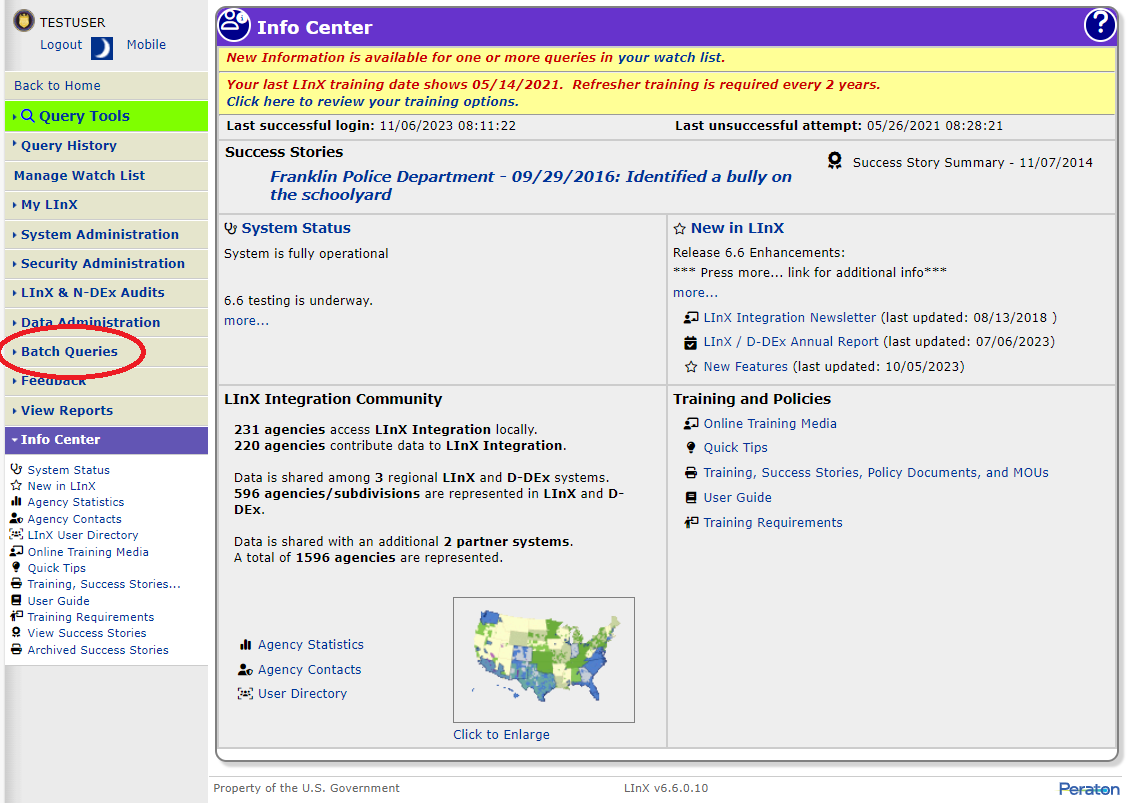
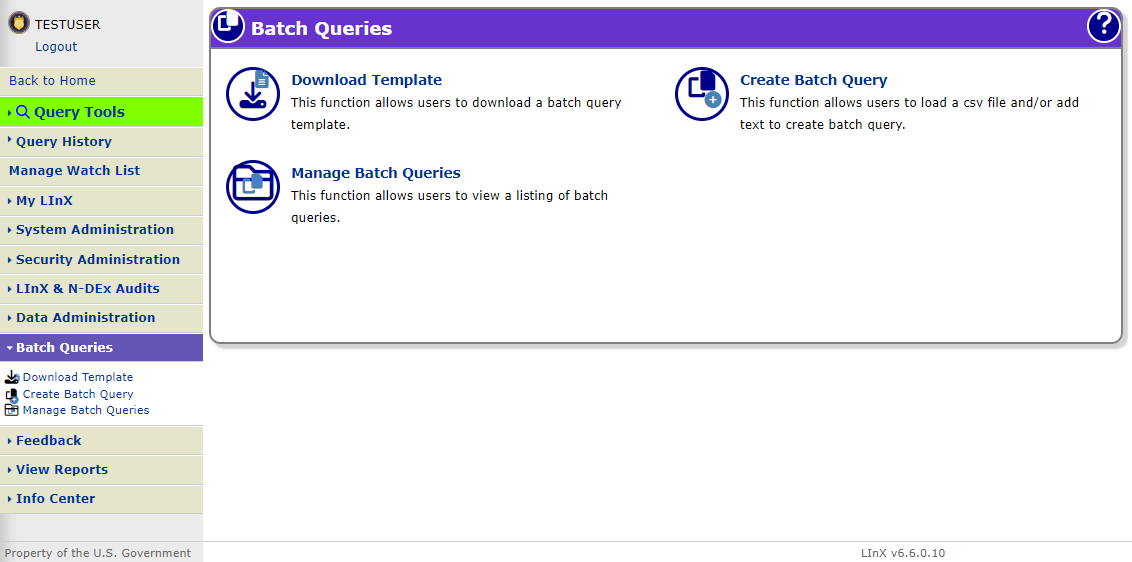
Privileged LInX users can access Batch Queries either from the menu bar located along the left side of the screen.
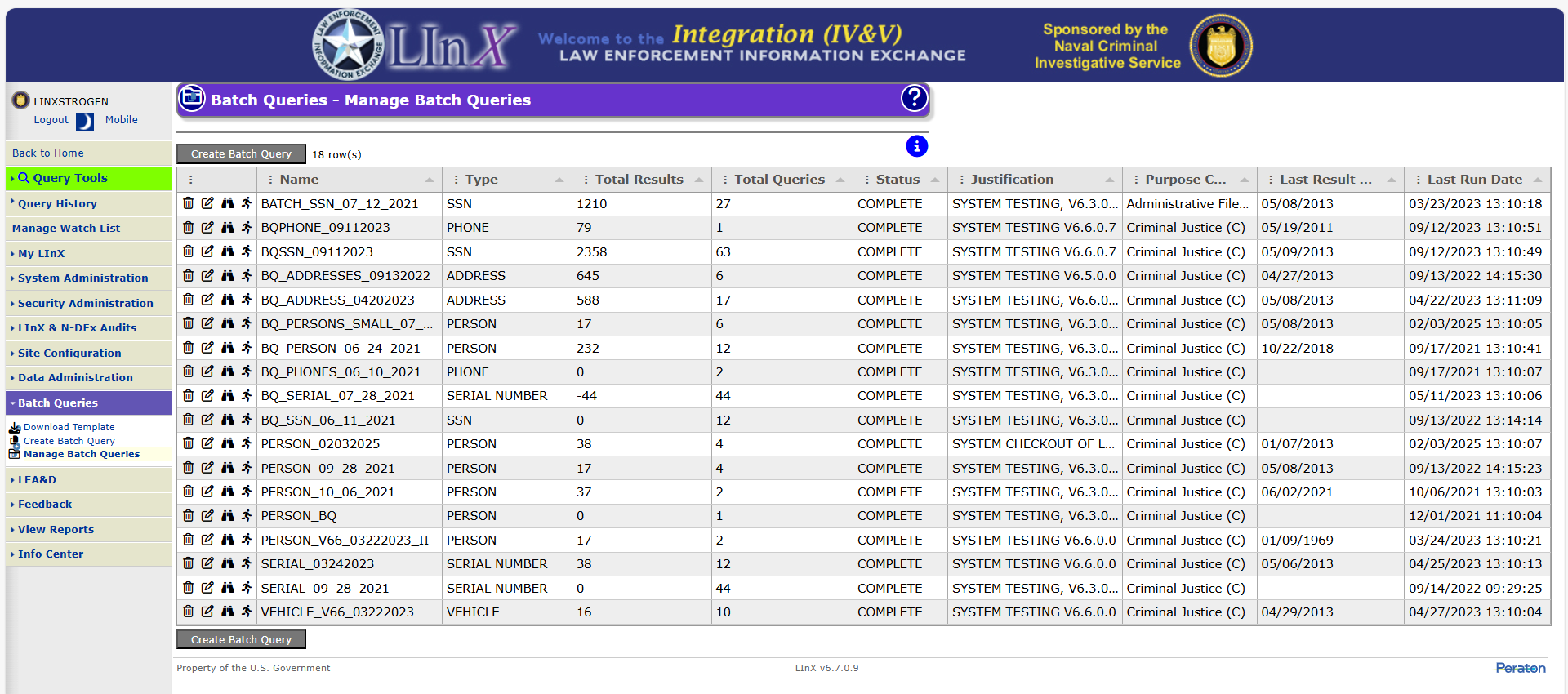
In the first column on the Manage Batch Queries screen, users may click on icons to delete, edit, view results for, or re-run (re-queue) a batch query, in that order.
Tactical and Analytical users should contact their System Administrator or Agency Administrator when they are having problems accessing or using LInX. Only System Administrators are authorized to contact the LInX Help Desk.